
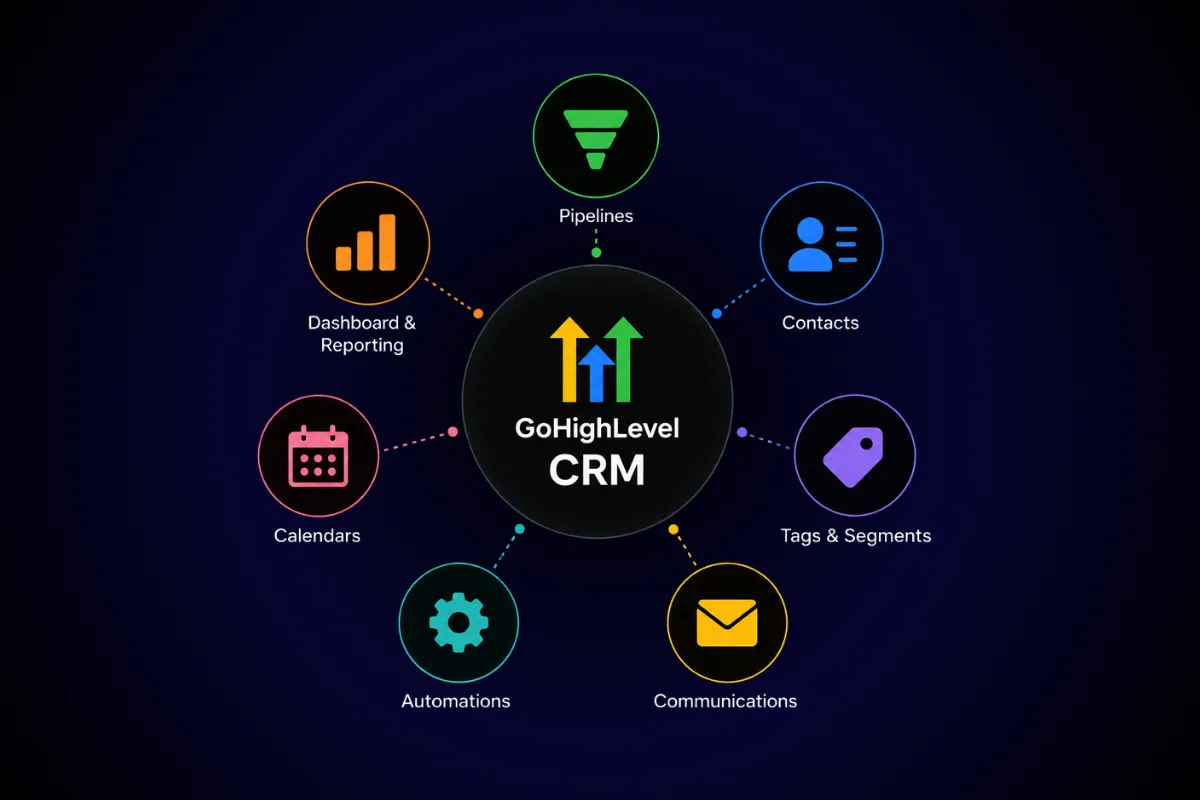
One of the biggest mistakes new agencies make isn't choosing the wrong CRM.
It's setting up the right CRM the wrong way.
GoHighLevel gives agencies an incredibly powerful platform for managing leads, clients, automations, and communications. But if your CRM isn't organized from the start, it quickly becomes cluttered with duplicate contacts, inconsistent pipelines, and automations that no longer make sense.
The good news?
A little planning upfront can save hundreds of hours later.
Here's how to set up GoHighLevel the right way.
Why CRM Setup Matters
Your CRM is more than a contact database.
It's the hub of your entire agency.
A properly configured CRM helps you:
Track every lead
Manage client communication
Automate repetitive tasks
Improve team collaboration
Close more deals
Without a solid foundation, even the best automations will struggle.
Step 1: Create Clear Pipelines
One of the first things every agency should build is a sales pipeline.
Avoid creating dozens of stages.
Keep it simple.
A recommended pipeline looks like this:
Every lead should always belong to one stage.
Step 2: Organize Custom Fields
Every agency collects different information.
Instead of storing notes everywhere, create custom fields.
Examples include:
Business Type
Monthly Revenue
Lead Source
Service Interested In
Website URL
Custom fields make segmentation and automation much easier.
Step 3: Tag Contacts Properly
Tags help organize your database without creating unnecessary complexity.
Useful tags include:
New Lead
Discovery Call Booked
Client
Lost Opportunity
VIP
Referral
Avoid creating dozens of similar tags.
Simple naming keeps reporting clean.
Step 4: Connect Your Communication Channels
GoHighLevel works best when everything connects.
Make sure you've configured:
Email
SMS
Phone
Calendars
Forms
Chat Widget
Keeping communication inside one platform makes it easier to track conversations.
Step 5: Build Essential Automations
Don't automate everything.
Start with the basics.
Every new agency should have workflows for:
New lead follow-up
Appointment confirmations
Reminder messages
No-show recovery
Client onboarding
Once those are running smoothly, expand your automation library.
Step 6: Create User Roles
As your agency grows, not everyone needs access to everything.
Assign permissions based on responsibilities.
Examples:
Admin
Sales
Account Manager
Support
This keeps your CRM secure and organized.
Step 7: Build a Clean Dashboard
Your dashboard should answer key questions quickly.
Examples:
How many new leads this week?
How many booked appointments?
Pipeline value
Conversion rate
Outstanding tasks
If finding information takes more than a few clicks, simplify the layout.
Common CRM Setup Mistakes
Creating Too Many Pipelines
More isn't always better.
Keep workflows simple.
Ignoring Data Cleanup
Duplicate contacts create confusion.
Review your database regularly.
Building Too Many Automations
Automate gradually.
Every workflow should solve a real problem.
No Naming Convention
Consistent naming makes long-term management much easier.
CRM Best Practices
Successful agencies review their CRM regularly.
Set aside time each month to:
Remove duplicates
Archive inactive opportunities
Review workflows
Update pipelines
Test automations
A clean CRM performs better than an overloaded one.
GoHighLevel is powerful because it combines CRM, marketing, automation, and communication into one platform.
But its effectiveness depends on your setup.
Start simple.
Build clear pipelines.
Organize your contacts.
Automate repetitive tasks.
As your agency grows, your CRM should grow with you—not become another problem to manage.
FAQs
What should every new agency set up first?
Start with your sales pipeline, custom fields, calendars, and lead follow-up automation.
How many pipelines should I create?
Only create separate pipelines when your sales processes are genuinely different.
Should I use tags or custom fields?
Use custom fields for permanent information and tags for status or segmentation.
How often should I clean my CRM?
At least once a month to remove duplicates and inactive records.
Can GoHighLevel replace multiple business tools?
Yes. It combines CRM, email marketing, SMS, calendars, automations, funnels, and reporting in one platform.
Ready to Build a Better CRM?
At Havstock, we help agencies build organized GoHighLevel systems that simplify lead management, automate follow-up, and create scalable processes from day one.