
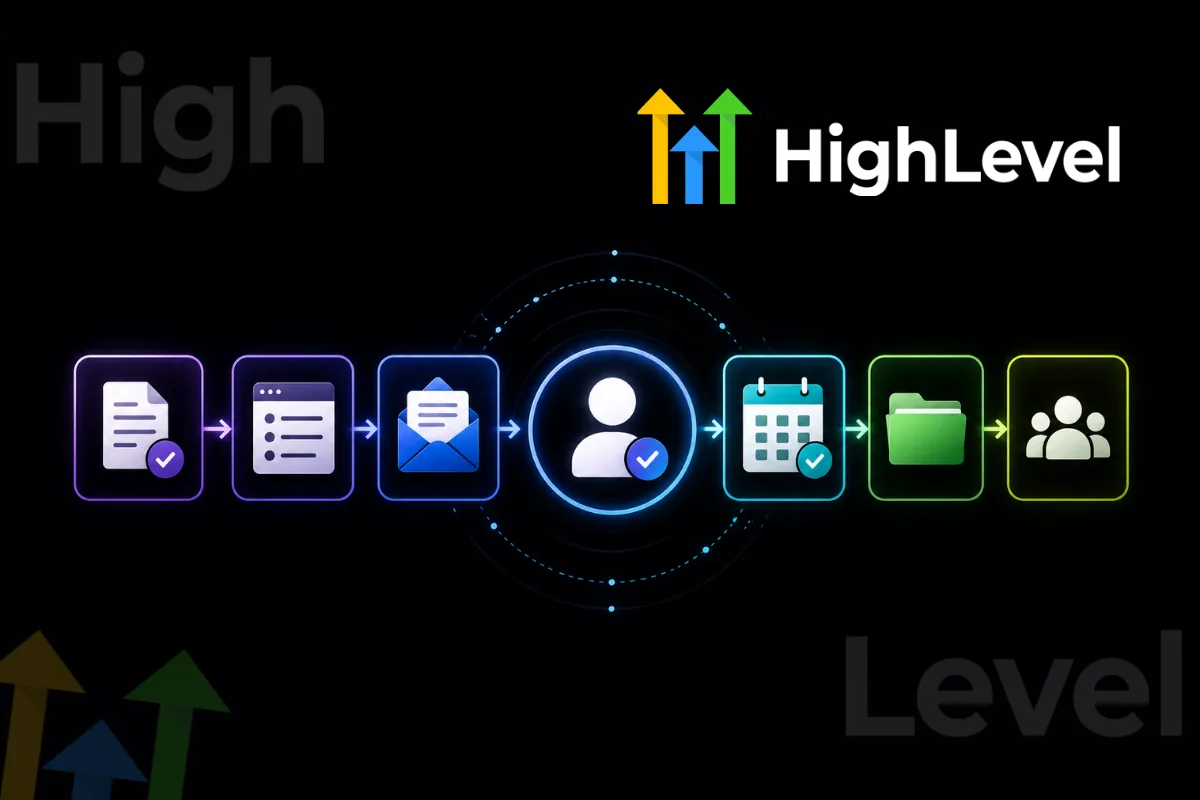
Winning a new client should feel exciting.
Unfortunately, it can also trigger a mountain of administrative work.
You need contracts, forms, payment confirmation, welcome emails, project details, meetings, access requests, and internal task assignments.
If every new client requires you to manually repeat the same process, growth eventually becomes difficult.
A scalable onboarding system solves this problem by turning your best processes into repeatable workflows.
Why Client Onboarding Matters
Onboarding creates the client's first real experience after the sale.
A disorganized process can make even a great business look unprofessional.
A strong onboarding experience should help clients understand:
What happens next
Who they communicate with
What information you need
When work begins
How projects are managed
Where they can ask questions
Clarity builds confidence.
Create an Onboarding Checklist
Start by documenting every task required when a new client signs.
Your checklist might include:
Contract completed
Payment received
Welcome email sent
Intake form completed
Assets collected
Kickoff call scheduled
Project created
Team assigned
Client added to communication channels
Once documented, these tasks become much easier to automate.
Automate Repetitive Communication
Your CRM can trigger communication automatically.
For example:
This removes unnecessary manual work while ensuring every client receives the same core experience.
Keep the Human Element
Automation should handle repetitive tasks, not relationships.
Your welcome message can be automated while your kickoff call remains personal.
The goal is to automate administration so your team has more time for meaningful client interaction.
Build Internal Workflows
Onboarding shouldn't only notify the client.
Your internal team also needs instructions.
Create workflows that assign:
Account setup
Strategy tasks
Content collection
Design tasks
CRM setup
Reporting configuration
Everyone should know what happens next.
Common Mistakes
Avoid:
Sending too many emails
Asking for information repeatedly
Having unclear deadlines
Using different onboarding processes for every client
Failing to assign internal responsibilities
Starting work before receiving essential information
A simple process is usually the strongest process.
A scalable onboarding system protects your time while creating a better customer experience.
Document the process first.
Automate predictable tasks second.
Keep human interaction where it matters most.
As your client list grows, a strong onboarding system can become one of your biggest operational advantages.
Frequently Asked Questions
What should client onboarding include?
It should include contracts, payment, intake forms, access requests, project expectations, scheduling, communication details, and internal setup.
Can client onboarding be automated?
Yes. CRM and workflow platforms can automate emails, forms, notifications, scheduling, and task creation.
When should onboarding automation stop?
Automation should handle predictable administrative tasks while personal conversations and strategic decisions remain human.
Build Better Client Systems with Havstock
At Havstock, we help businesses build practical systems that combine automation, CRM, AI, and repeatable workflows.
Better systems mean less administrative chaos and more time for meaningful client work.