
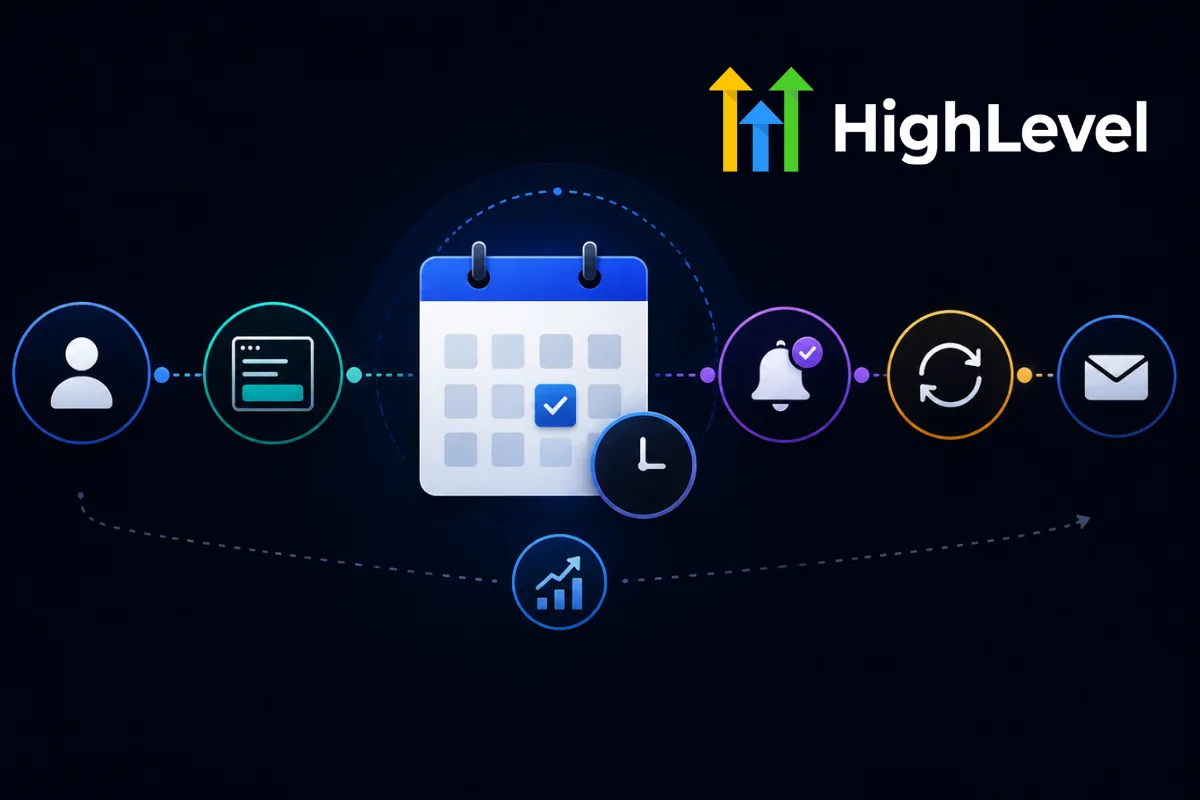
Scheduling shouldn't require a dozen emails.
"What time works for you?"
"How about Thursday?"
"Actually, Friday works better."
And suddenly you've spent half your afternoon playing calendar tennis.
Automation can eliminate much of that back-and-forth.
Give Prospects a Booking Option
A scheduling page allows prospects to choose an available time.
The system can automatically:
Display availability
Collect information
Create the calendar event
Send confirmation
Update the CRM
Send Immediate Confirmation
After booking, send confirmation containing:
Date
Time
Meeting link
Instructions
Contact information
This reduces uncertainty.
Add Reminder Messages
People forget appointments.
Automated reminders can be sent:
One day before
Several hours before
Shortly before the appointment
The exact timing depends on your business and audience.
Make Rescheduling Easy
Life happens.
Give prospects an easy way to reschedule rather than forcing them to email your team.
A simple process can reduce administrative work.
Notify Your Team
The CRM should update your team when an appointment is booked.
For example:
Add Post-Appointment Follow-Up
After the meeting, automation can help continue the conversation.
Depending on the outcome, the prospect could enter:
Proposal follow-up
Nurture sequence
Sales sequence
Client onboarding
No-show recovery
Keep Personal Communication
Automation doesn't mean every interaction should sound robotic.
Use automation for logistics.
Use humans for conversations that require context, empathy, and judgment.
Appointment automation can save hours while improving the customer experience.
The best systems make scheduling feel effortless without making the relationship feel automated.
Frequently Asked Questions
Can appointment scheduling be automated?
Yes. Booking, confirmations, reminders, rescheduling, notifications, and follow-up can all be automated.
Do automated reminders reduce no-shows?
They can help by keeping appointments visible and making it easier for people to remember or reschedule.
Should every business automate scheduling?
If a business regularly schedules consultations, calls, demos, or appointments, automation can be highly useful.
Build Smarter Appointment Systems with Havstock
Havstock helps businesses connect scheduling with CRM, communication, automation, and sales workflows.